Data Cabling Installation in Sydney
Business and home data point installation, with CAT6/CAT6A structured cabling, patch panels and tested connections. Based in Claremont Meadows in Western Sydney, we work across Penrith, Blacktown, Parramatta and the Hills District.
From $149 · NSW Master Security Licence MA 000110911 · Insured · 24-month workmanship warranty · No-obligation written quotes
What we install
Data cabling connects office workstations, shop counters, cameras and Wi-Fi access points back to your network cabinet. We install CAT6 and CAT6A structured cabling for commercial fit-outs, business upgrades and homes across Western Sydney and Greater Sydney, with practical cable routes, labelled patch panels and tested data points. CAT6A supports 10 gigabit Ethernet (10GBASE-T) over the full 100 m channel, while CAT6 supports it only over shorter runs of up to about 55 m. For workstations, servers and NAS storage that move large files, we also set up 2.5, 5 and 10 gigabit connections, matching switches, uplinks and SFP+ or DAC links in the rack to the devices that can use them.
- CAT6 and CAT6A for gigabit and multi-gig links
- Wall plates, faceplates, patch panels, keystones
- Cable runs through ceiling, wall, sub-floor, conduit
- 2.5, 5 and 10 gigabit links for workstations, servers and NAS
- Each run individually labelled and tested
- Tidy patch panel and rack termination for future changes
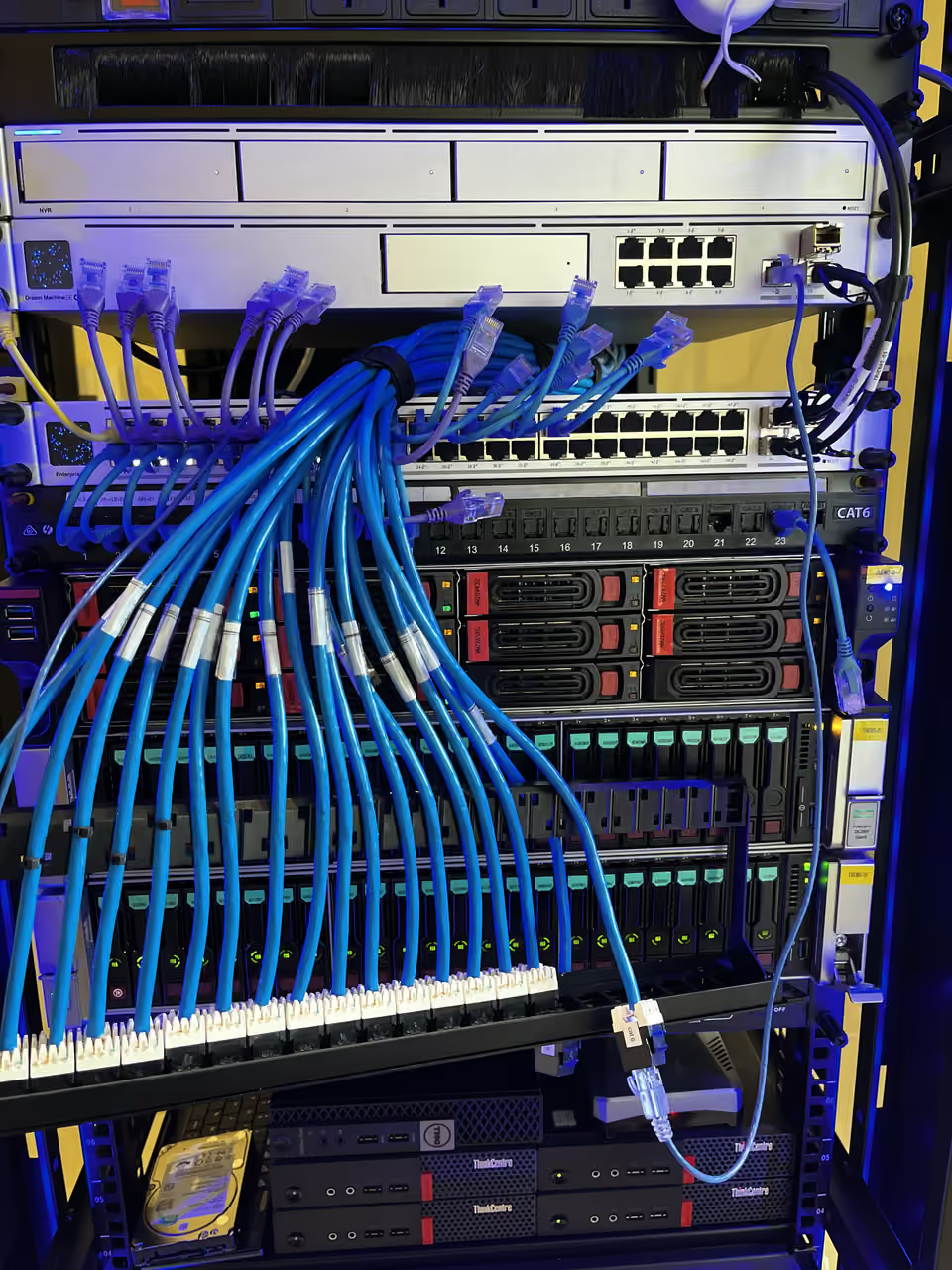
Structured cabling for desks, counters and fixed devices
A structured cabling plan connects data points back to an organised patch panel or network cabinet. For an office fit-out, start with the desk layout, printers, counters, cameras and access points. List the devices that need a cable now and the positions you want available for future changes. This is more useful than choosing a cable category before the layout is known.
CAT6 and CAT6A options are scoped around the intended links, route and equipment. A cable upgrade alone does not change the port speed of a switch or computer. We review the complete connection, including wall plates, patch panels and patch leads. For an occupied business, installation access and acceptable downtime form part of the quote.
Tell us if your project has a particular testing or documentation requirement so it can be confirmed in the written scope. A certification report is included only when the scope lists it.
| Option | When it helps | What we check |
|---|---|---|
| New fit-out | Plan data points before walls and ceilings close | Floor plan, cabinet location and fit-out dates |
| Additional outlets | Connect new desks or fixed equipment | Existing network capacity and practical cable access |
| Patch-panel tidy-up | Make an existing network easier to trace | Cable condition, labels and an interruption window |
Recent work
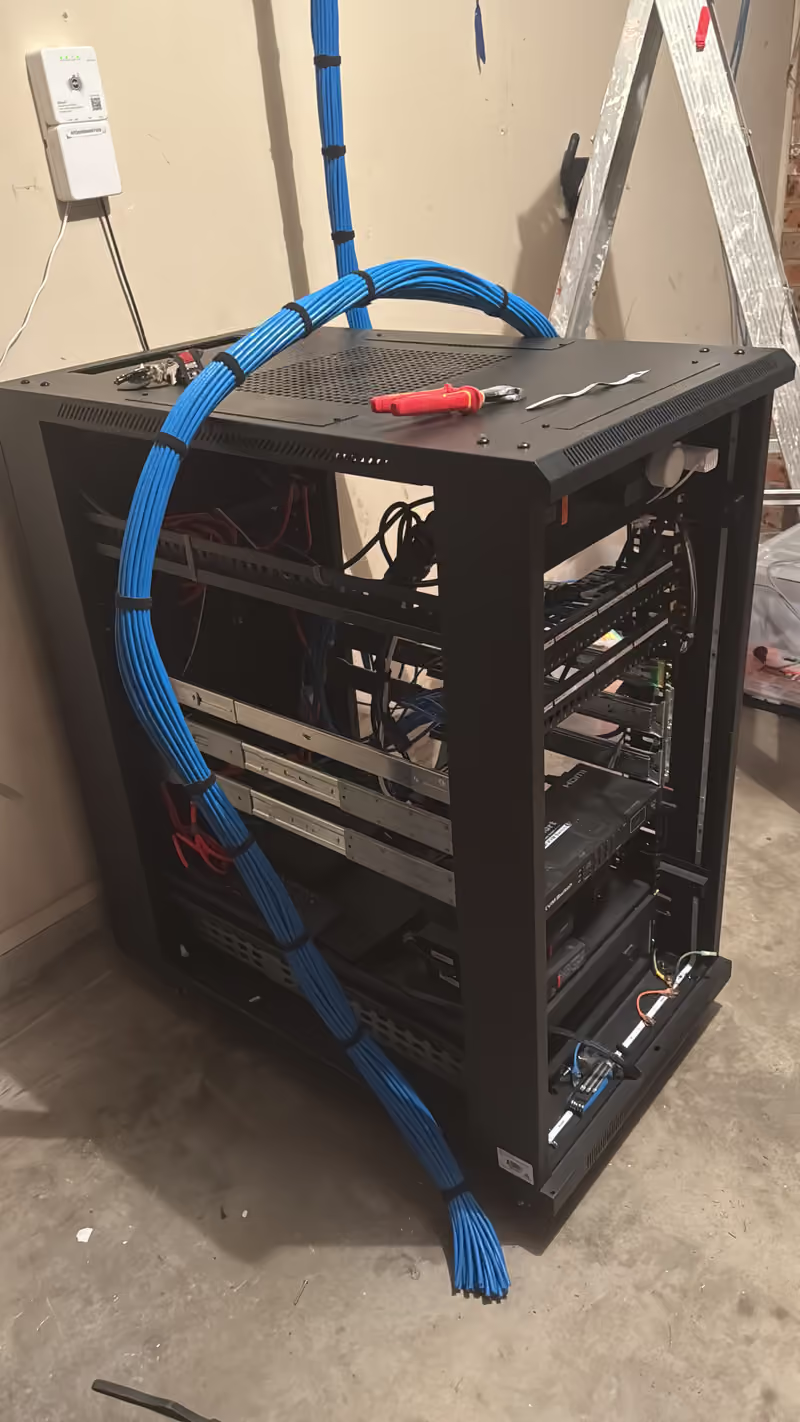
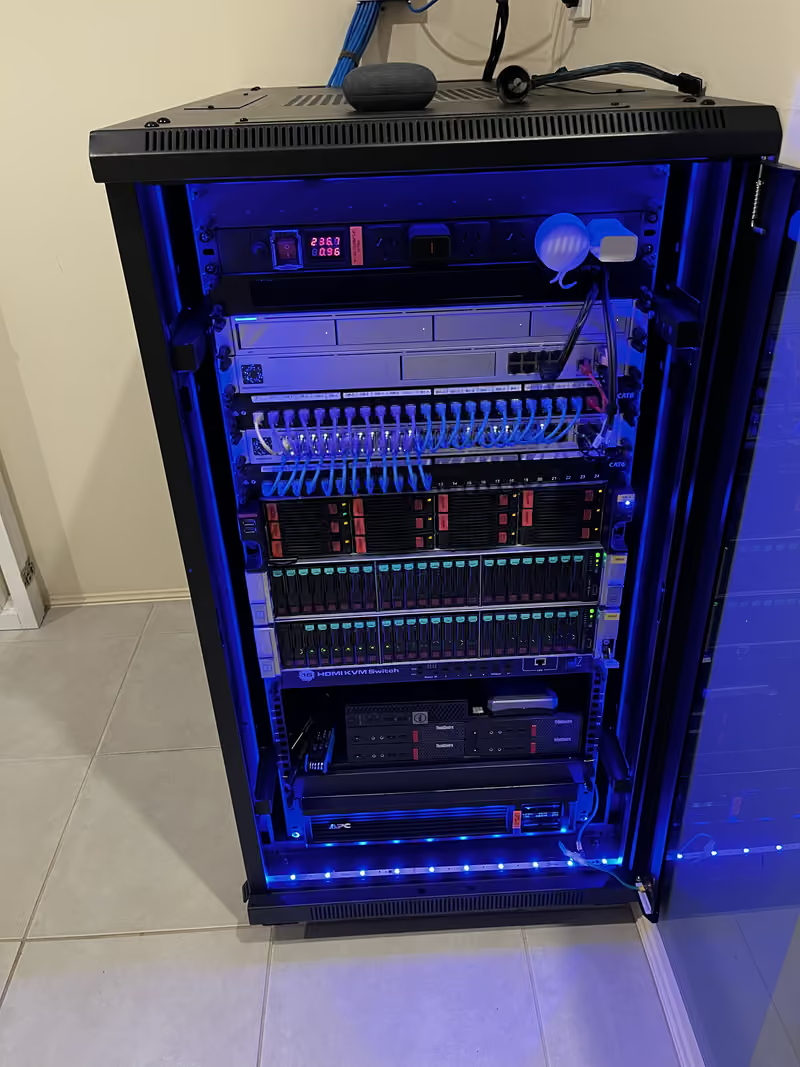
Project notes: Structured cabling and a 22RU network rack, Claremont Meadows
Data point installation cost
From $149 for a CAT6 data point, installed and tested. Your quote depends on:
- How many points are installed on the same visit
- Cable route and length to each point
- CAT6 or CAT6A, and any patch panel or cabinet work
Written, itemised and no-obligation quotes. Any callout fee is confirmed before a visit is booked. Straightforward jobs can be quoted from photos or plans.
- Mark required outlets and the cabinet on your plan.
- Confirm cable routes, building access and testing requirements.
- Label and test connections and explain the patching layout.
Useful for your quote
- Floor plan with desks, counters, cameras and access points marked
- Number of data points and existing patch panel or switch details
- Ceiling access, building approvals and fit-out dates
- Business hours and acceptable network interruption times
Questions about this service
What is structured cabling and do I need it?
Structured cabling connects fixed devices to a central switch or patch panel using tested CAT6 or CAT6A Ethernet runs. It suits workstations, cameras, TVs and access points that need a stable wired connection. Start with the outlet positions and devices, then check the cable route and switch capacity. Clear labels let you match a wall outlet to its patch-panel connection when a desk moves or a fault needs tracing.
Should I choose CAT6 or CAT6A?
Both carry gigabit connections well. CAT6A is the safer choice when you want 10 gigabit to desks, servers or access points over longer runs, because it supports 10GBASE-T over the full 100 m channel. CAT6 is thinner, easier to route and suits most homes and offices where runs are shorter or gigabit is enough.
Can you cable an office fit-out or business relocation?
Yes. We scope the data points, patch panels and cable routes together, and agree access and any network interruptions before installation. For a relocation, we can plan the new cabling before the move so desks, printers and cameras connect on the first day, and label every outlet to its patch-panel port for later changes.
Can you add data points to an existing home or office?
Yes. We assess ceiling, wall and subfloor access and agree a route before quoting. In a two-storey home or a building with concrete slabs, the route may need surface conduit or a path through a cupboard, and we show you the finish before starting. Photos of the proposed positions and the router or rack location let us check routes before quoting.
Will a 10 gigabit network make my internet faster?
No. A faster local network speeds up transfers between compatible devices inside the property, such as a workstation and a NAS, but internet speed is set by your provider plan and connection. We look at where the slowdown actually happens, the devices at each end and the switch ports, so an upgrade addresses the real bottleneck.
Discuss your installation
Send photos, your suburb and the work required.