Access Control Installation in Sydney
Door and gate access control with keycards, fobs, PINs and phone unlock, led by UniFi Access. Based in Claremont Meadows in Western Sydney, we work across Penrith, Blacktown, Parramatta and the Hills District.
NSW Master Security Licence MA 000110911 · Insured · 24-month workmanship warranty · 5+ years' experience · No-obligation written quotes
What we install
Access control lets you decide who can open a door or gate, and when, without handing out keys. We install and set up door and gate access for homes, offices and small commercial sites across Western Sydney, with UniFi Access as the platform we know best. Most keycards and fobs use 13.56 MHz contactless technology (ISO/IEC 14443), the same family as NFC in phones, so one reader can often accept cards, fobs and phone unlock. Lock or electrical work outside our scope is identified before you receive the quote.
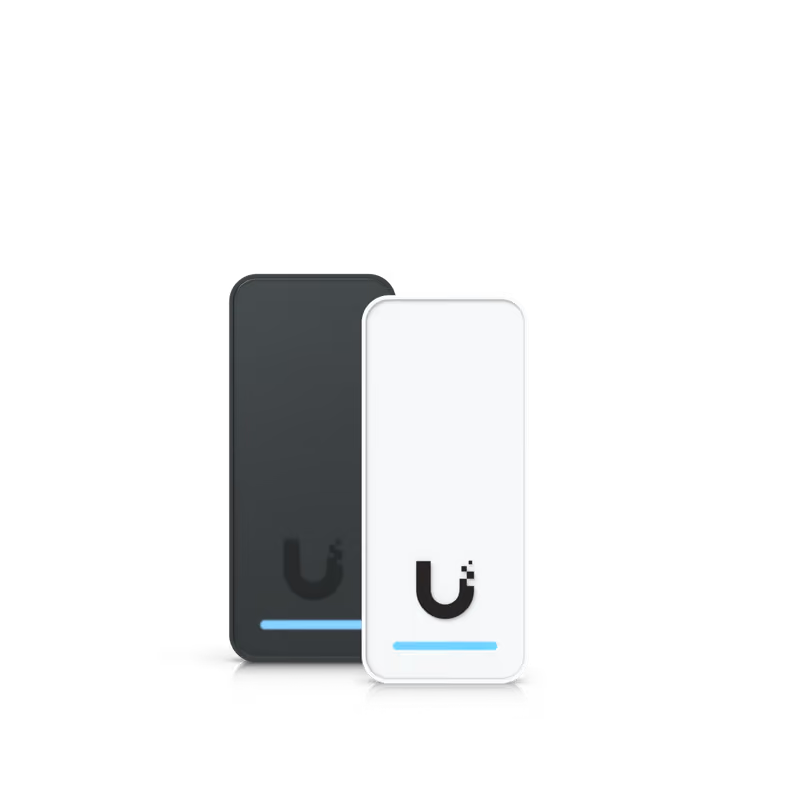
- Door and gate readers for keycards, fobs, PINs and phone unlock
- UniFi Access hubs and readers set up in the UniFi app
- User schedules, for example staff hours or a cleaner's weekly visit
- Entry history you can check from a phone or computer
- Power, cabling and lock type checked before quoting
Plan the door, the lock and the people first
Access control starts with the door or gate, not the reader. A solid timber door, an aluminium shopfront door and a sliding gate each need different lock hardware, and the lock decides much of the work. Send photos of both sides of the door, the frame and the existing lock or closer. Tell us how the door is used now: who needs to get in, at what times, and whether it must stay unlocked during business hours.
The entry history shows who opened a door and when, which helps with staff changes and after-hours visits. Users, schedules and phone credentials are managed in the UniFi app, alongside UniFi cameras and networking if you already have them.
| Option | When it helps | What we check |
|---|---|---|
| Card or fob | Staff, family or regular visitors | Credential type, reader model and how lost cards are removed |
| PIN code | Short-term access without handing over a card | Code sharing and how often codes change |
| Phone unlock | People who always carry a phone | App access, phone compatibility and a fallback method |
Typical setup
How quoting works
Written, itemised and no-obligation quotes. Any callout fee is confirmed before a visit is booked. Send photos or plans with the work required; straightforward jobs can be quoted without a visit.
- Send door photos and describe who needs access.
- Agree the lock type, reader positions and cabling.
- Add users and schedules, then test each door with you.
Questions about this service
What do I need for a door access control system?
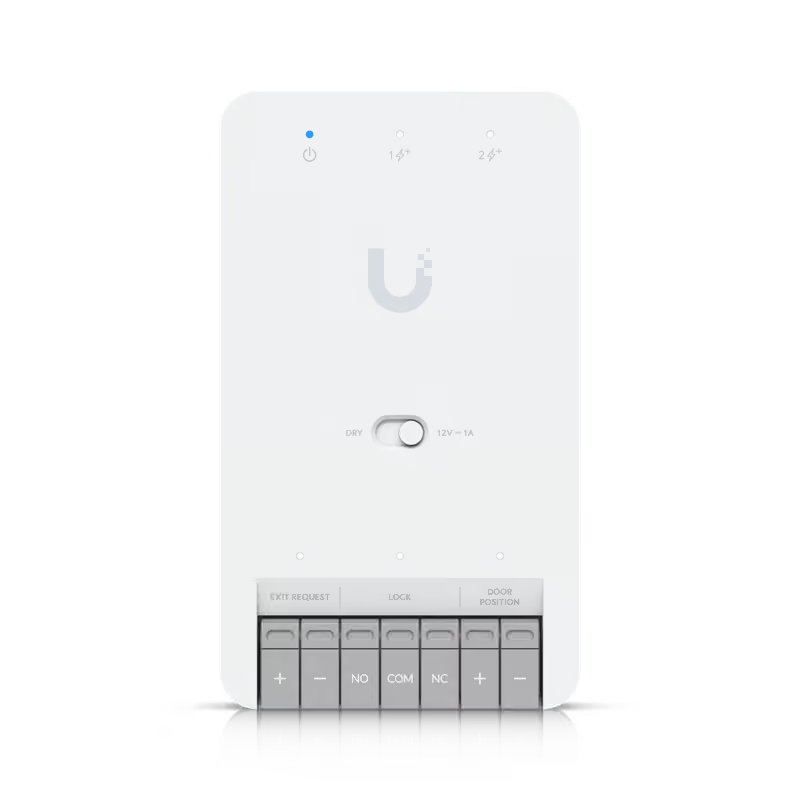
Most systems have four parts: a reader at the door, an electric lock or strike that releases on command, a hub or controller, and an app for managing users. People unlock with a card, fob, PIN or phone. We check the door, frame and existing lock first, because the lock type decides much of the scope.
Can access control work on a gate?
Yes. A gate can use a reader on a post or at the pedestrian entry. The practical questions are power and a cable path to the gate, the type of input the gate motor accepts, and weather exposure for the reader. Photos of the gate, its motor and the distance to the nearest building tell us most of what we need.
Can I give a cleaner or tradesperson temporary access?
Yes, and it is one of the main advantages over keys. You can allow a person in only on certain days and times, set an expiry date, or send a phone credential where the system supports it. Removing someone takes a few taps in the app, and the entry history shows when their access was used.
What happens to an access-controlled door if the power goes out?
The lock type determines what happens. A fail-safe lock releases when power is lost, while a fail-secure lock stays locked from the outside. Either way, people must always be able to leave from the inside, so exit hardware is part of the plan. Battery backup keeps the system working through short outages.
Do you install large commercial access control systems?
Our access control work focuses on homes, offices and small commercial sites, typically from one door or gate to a handful. We know UniFi Access best and can assess other systems case by case. For large multi-site or high-security projects, we will tell you honestly if the job is outside our scope rather than overpromise.
Discuss your installation
Send photos, your suburb and the work required.