Office Access Control & CCTV in Sydney
Door access, cameras, data cabling and Wi-Fi for offices and small and medium businesses, planned as one system. Based in Claremont Meadows in Western Sydney, we work across Penrith, Blacktown, Parramatta and the Hills District.
From $1,295 · NSW Master Security Licence MA 000110911 · Insured · 24-month workmanship warranty · No-obligation written quotes
What we install
We install door access, CCTV, data cabling and Wi-Fi for offices and small and medium businesses across Sydney, from Parramatta and Norwest to Penrith. Staff use a fob, card, PIN or phone instead of keys. Each person has a schedule, so a cleaner gets in only on their day, and you cancel a lost fob in the app. On UniFi, door access, cameras and Wi-Fi run on one console, and a business with several offices sees every site in one app.
- Door entry by fob, card, PIN or phone unlock
- Schedules for staff, cleaners and contractors
- Cameras at the entries, reception and the comms room
- Data cabling, Wi-Fi and a rack for the whole office
- Several offices in one UniFi app
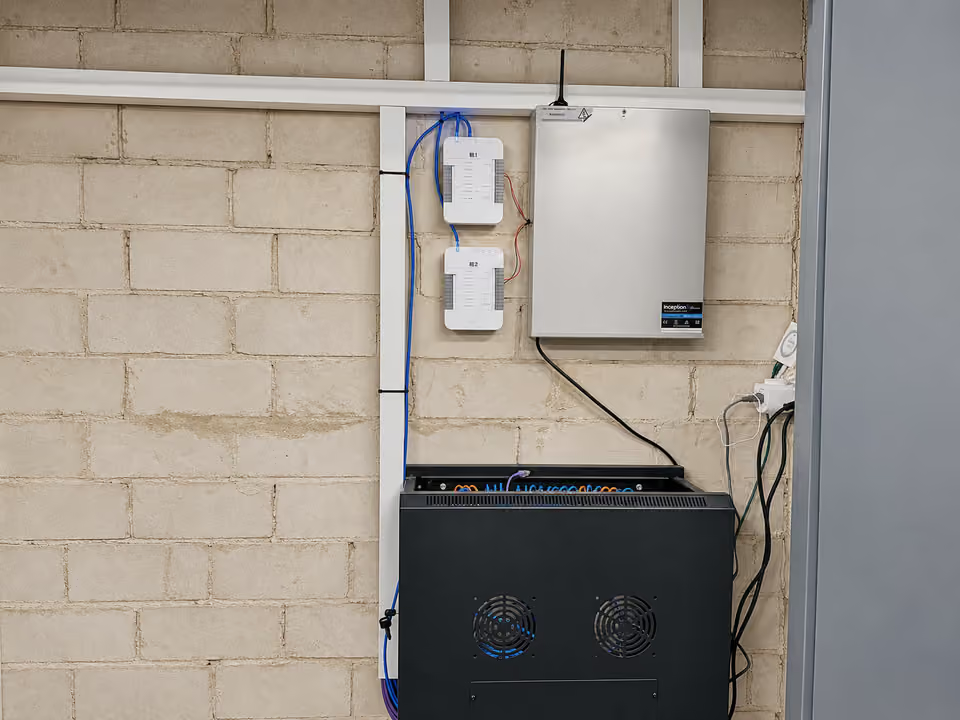
Plan the doors, cameras and network as one fit-out
List the doors that need access, who uses each one and when, and where reception and the comms cupboard sit. Door readers, cameras and access points all run back to the same rack, so one cable plan covers them.
Put cameras, staff devices and guest Wi-Fi on separate networks, so guests never reach the business network.
| Option | When it helps | What we check |
|---|---|---|
| Front door access only | Replace keys for staff | Door type, lock power and exit hardware |
| Access, cameras and Wi-Fi | One system for a small office | Rack space, PoE budget and cable routes |
| Several offices on UniFi | One app across every site | Internet at each site and user roles |
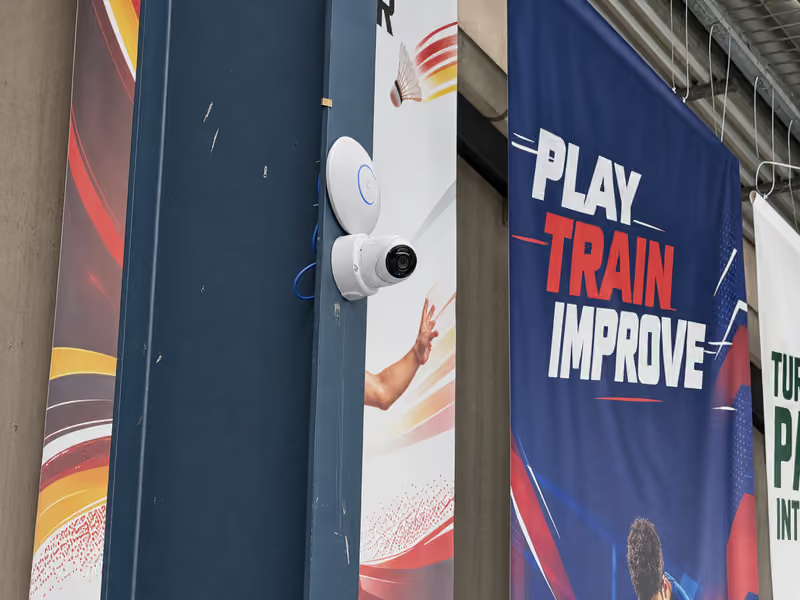
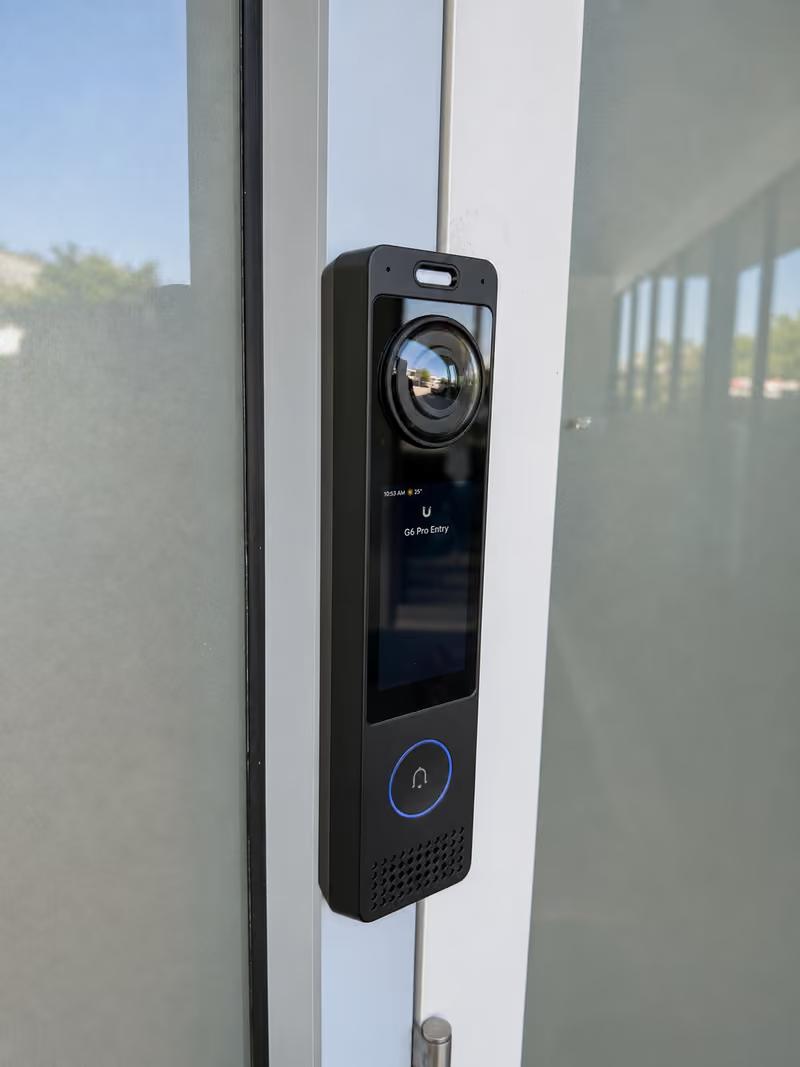
Recent work
Office access control cost
From $1,295 for one door with a reader, hub and lock, supplied and installed. No GST is added to our prices. Quotes depend on:
- The number of doors and gates
- Door, frame and lock type
- Cable routes and power at each door
Written, itemised, no-obligation quotes. Any callout fee is confirmed before booking. Simple jobs can be quoted from photos.
- Send the floor plan, staff count and doors.
- Agree the cable plan, access rules and install dates.
- Set up users and schedules, then hand over the admin account.
Useful for your quote
- A floor plan with the doors, desks and comms cupboard
- How many staff, and which doors need access
- Your existing internet, network and camera equipment
- Fit-out dates if the office is being built or moved
Questions about this service
Can you install door access in a leased office?
Yes, with approval from the landlord or building manager for any door and lock changes. Send us their requirements with the floor plan, and we quote to match.
Do staff need notice before office cameras start recording?
Yes. Under the Workplace Surveillance Act 2005 (NSW), staff need written notice at least 14 days before camera surveillance starts, and signs must be visible at the entrances. Cameras must not record in toilets, change rooms or showers.
Can you do the cabling, Wi-Fi and security for a new office fit-out?
Yes. We plan the data points, Wi-Fi access points, door access and cameras together, so they share one rack and one cable plan. Send the fit-out drawings and dates, and we work around the other trades.
We have several offices. Can we manage them together?
On UniFi, yes. Each office keeps its own console, and you see every site's doors, cameras and network in one app, with no camera licence fees. For a large multi-site project, we tell you if it is outside our scope.
Discuss your installation
Send photos, your suburb and the work required.