Ubiquiti UniFi Installation in Sydney
UniFi Protect, Access and Network, installed as one system. Based in Claremont Meadows in Western Sydney, we work across Penrith, Blacktown, Parramatta and the Hills District.
NSW Master Security Licence MA 000110911 · Insured · 24-month workmanship warranty · No-obligation written quotes
Registered Ubiquiti Partner
What we install
UniFi is Ubiquiti's range of cameras, door access and networking, managed from a UniFi console. A camera, a door reader and a Wi-Fi access point can then share one cable network and one console. We install UniFi Protect cameras and recorders, UniFi Access readers and door hubs, and UniFi Network gateways, switches and Wi-Fi access points, for homes, offices and small commercial sites across Sydney. Many of these devices are powered over Ethernet, so the switch matters: PoE+ (IEEE 802.3at) supplies up to 30 W per switch port. We size the switch, plan the cable runs, adopt the devices into your console and hand over the admin account. We also install other brands, and tell you if one suits the site better.
- UniFi Protect cameras, doorbells and recorders, set up in the Protect app
- UniFi Access readers and door hubs, with user schedules and entry history
- UniFi Network gateways, PoE switches and Wi-Fi 7 access points
- Switch ports, PoE budget and cable routes checked before quoting
- Gear you already own adopted into your UniFi console
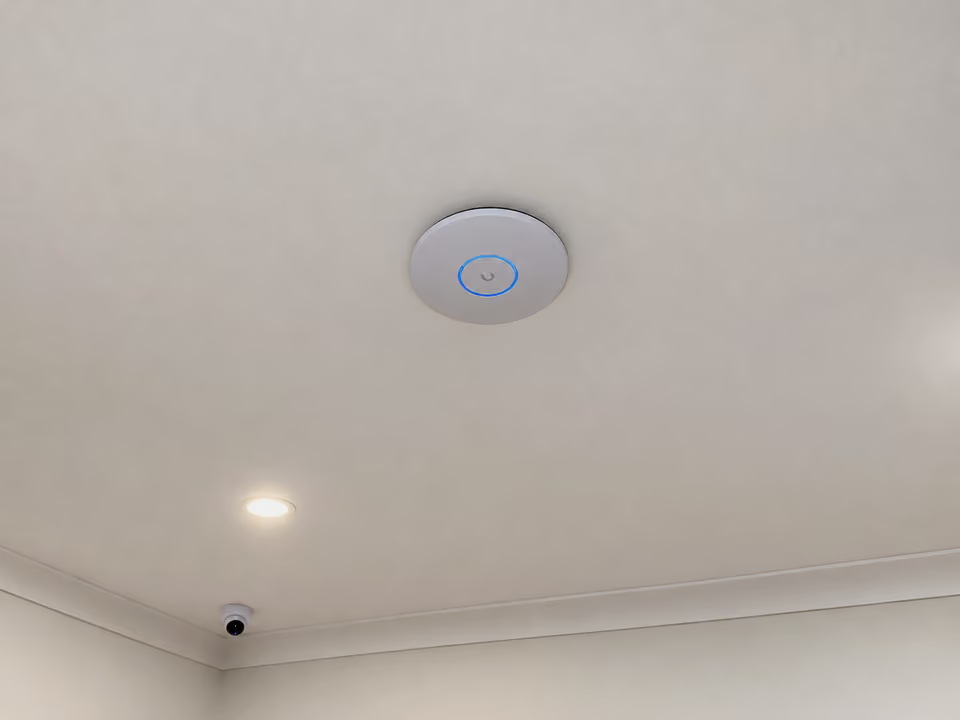
Plan the cameras, doors and network together
A UniFi system works well when the pieces are planned together. The network carries power and data to every camera, reader and access point, so switch ports, PoE budget and cable routes come first. We list the devices you want now and the ones you may add later, then size the switch and console to suit.
UniFi Protect, Access and Network each have their own app on a UniFi console. After the install we adopt the devices, set up users and schedules, test each camera and door with you, and hand over the admin account.
| Option | When it helps | What we check |
|---|---|---|
| UniFi Protect | Cameras, doorbells and recording | Camera positions, cable routes and recorder storage |
| UniFi Access | Doors and gates with readers and schedules | Lock type, power and reader positions |
| UniFi Network | Switches, a gateway and Wi-Fi that tie it together | PoE budget, switch ports and access-point placement |
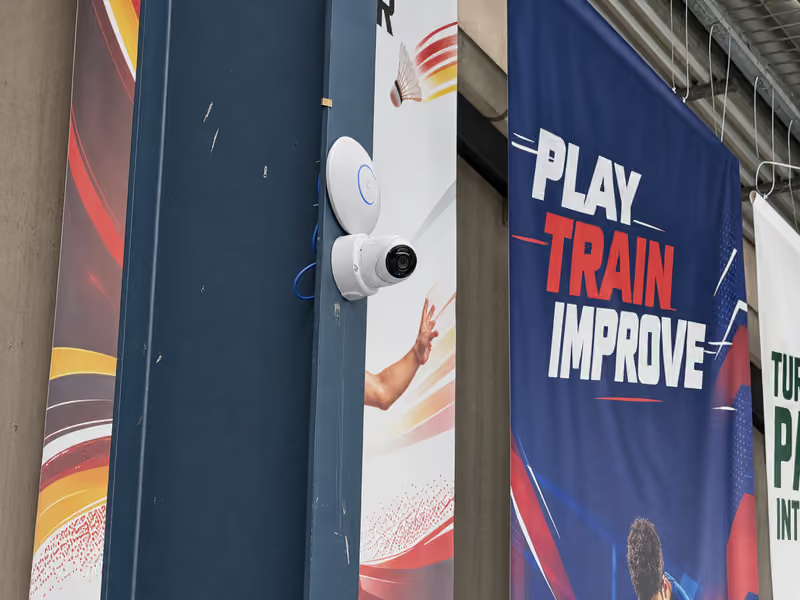
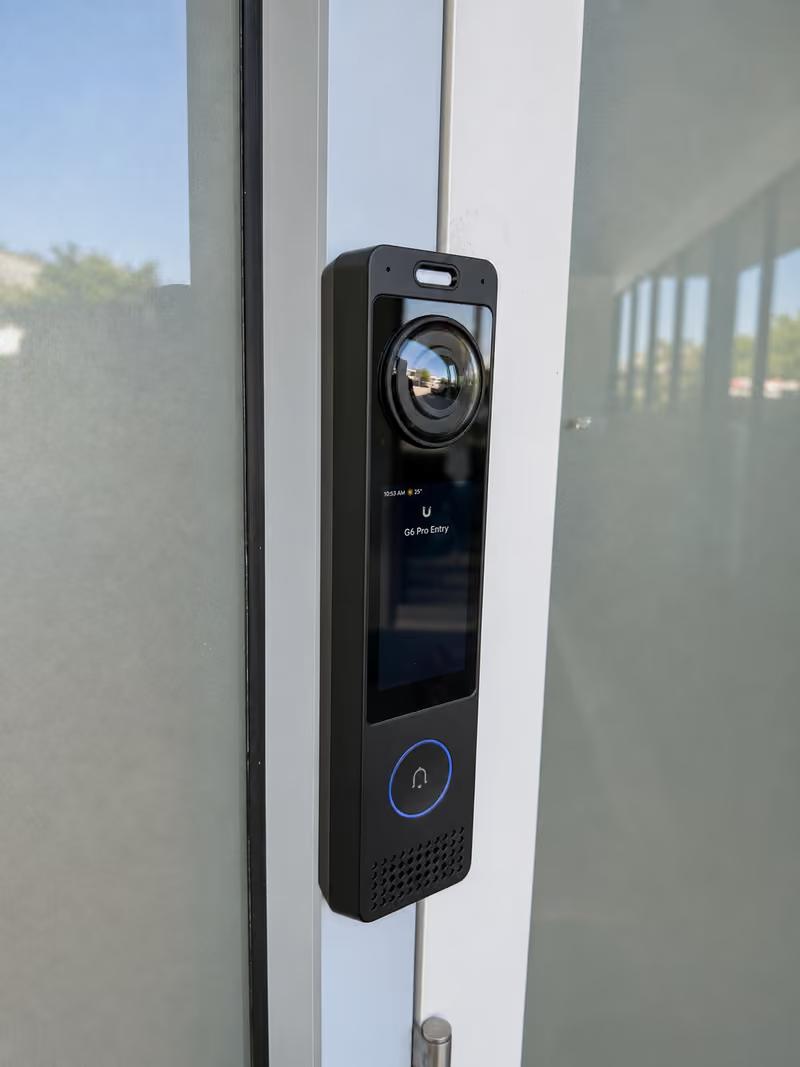
Recent work
How quoting works
Written, itemised, no-obligation quotes. Any callout fee is confirmed before booking. Simple jobs can be quoted from photos.
- Send photos, your suburb and what you already own.
- Agree the devices, cable routes, switch and console.
- Install, adopt, set up users and test each device with you.
Questions about this service
What is the difference between UniFi Protect, Access and Network?
UniFi Protect runs cameras, doorbells and recording. UniFi Access runs door readers, locks and user schedules. UniFi Network runs the gateway, switches and Wi-Fi that connect them. Each is its own app on a UniFi console, and all three can share one cable network. You can start with one and add the others later. We check that your console supports each one first.
Do I need a UniFi console, and which one?
Protect and Access run on a UniFi console, such as a Cloud Gateway or a UniFi recorder. The right one depends on the number of cameras, how many days you keep recordings and whether the gateway should also be the console. Send what you own and what you want to add, and we confirm the match before quoting.
Can you add UniFi to the network I already have?
Often, yes. UniFi cameras, readers and access points need PoE switch ports and a UniFi console, not a whole new network. We check your router, switches and cable runs, then quote only what the new devices need.
Are UniFi cameras wired?
Most UniFi Protect cameras connect by one PoE Ethernet cable that carries power and video, so each position needs a cable route. We plan the routes first, including roof space and conduit, and quote the cabling with the cameras.
Is UniFi the right choice for my site?
It suits owners who want cameras, doors and Wi-Fi managed in one place. A single camera or a basic home setup may be better served by a simpler system. We recommend what fits the site and the budget, not a brand.
Discuss your installation
Send photos, your suburb and the work required.