Video Doorbell Installation in Sydney
Wi-Fi and PoE video doorbells, with mounting, power, chime and app setup checked. Based in Claremont Meadows in Western Sydney, we work across Penrith, Blacktown, Parramatta and the Hills District.
From $149 · NSW Master Security Licence MA 000110911 · Insured · 24-month workmanship warranty · No-obligation written quotes
What we install
Send an entrance photo and your exact model, such as a Ring doorbell, Google Nest, eufy or UniFi PoE doorbell camera, and we check mounting, power, chime and network compatibility before confirming the work. Wired PoE doorbells avoid battery charging and a weak Wi-Fi signal at the front door. One Ethernet cable carries data and power, and standard PoE (IEEE 802.3af) supplies up to 15.4 W per port, which covers typical PoE doorbells. Where several homes share an entrance or a gate needs releasing, an intercom suits better. Separate electrical work is flagged before booking.
- Entrance photos and model details reviewed before a visit
- Mounting position and field of view agreed with you
- Phone alerts and two-way talk set up in the app
- Existing power, chime and network compatibility assessed
- Doorbell and chime operation tested with compatible equipment
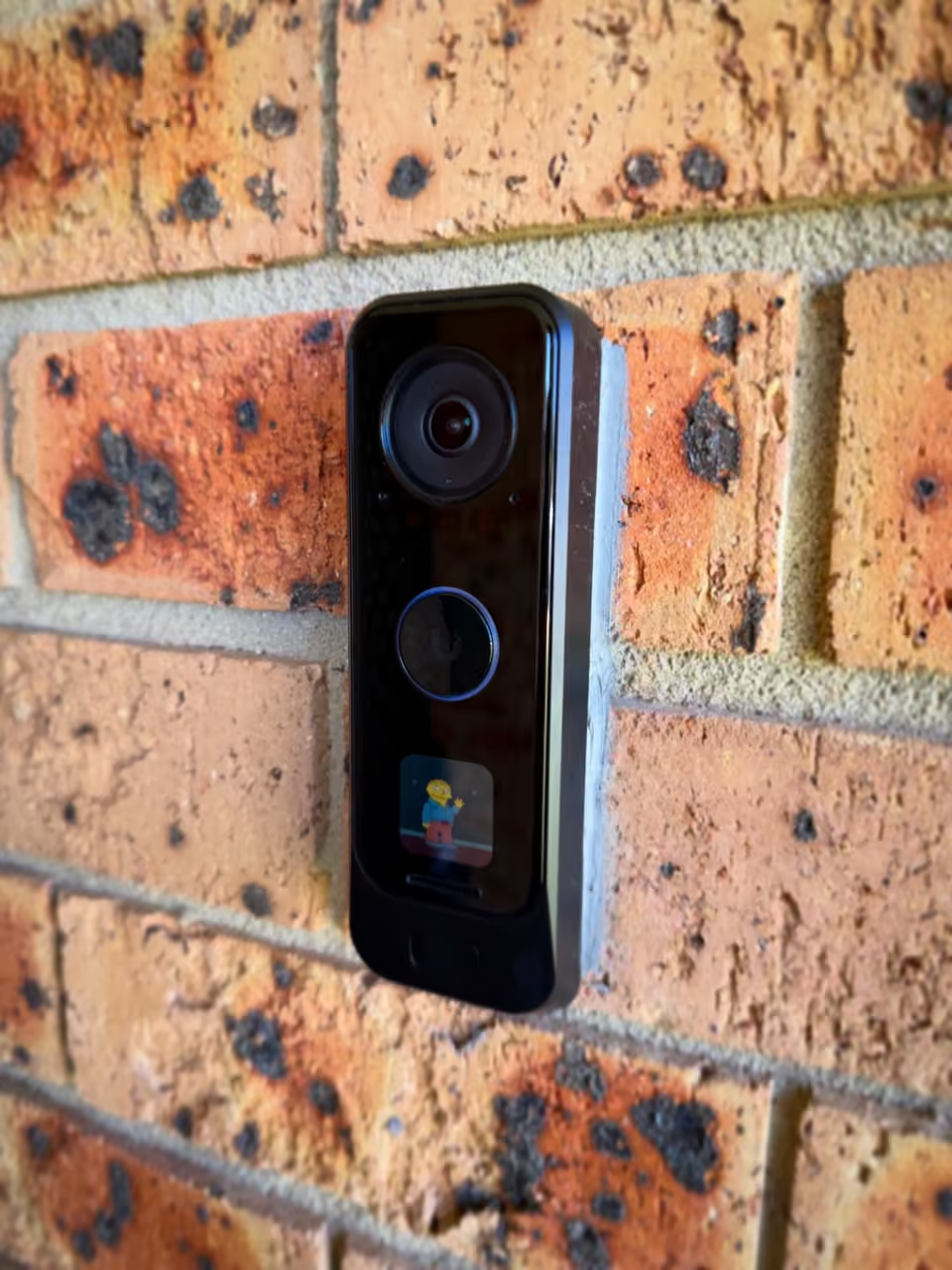
Check the entrance, power and chime together
Doorbell cameras differ in their power, network and chime requirements. A model name is more useful for quoting than the brand alone. Send a photo of the mounting surface, any existing doorbell and the chime, together with the exact model you want installed. This helps identify whether the existing setup can be reused.
Placement affects how well the camera sees a visitor and how easy the button is to reach. A narrow frame, recessed entrance or nearby wall can affect the view.
| Option | When it helps | What we check |
|---|---|---|
| Wi-Fi doorbell | Where the model and signal suit the entrance | Power, Wi-Fi coverage and chime compatibility |
| PoE doorbell | Where Ethernet and suitable power are available | Cable route, switch or injector and matching chime |
| Existing wired doorbell upgrade | Where some wiring may be reusable | Exact electrical and accessory compatibility |
Recent work
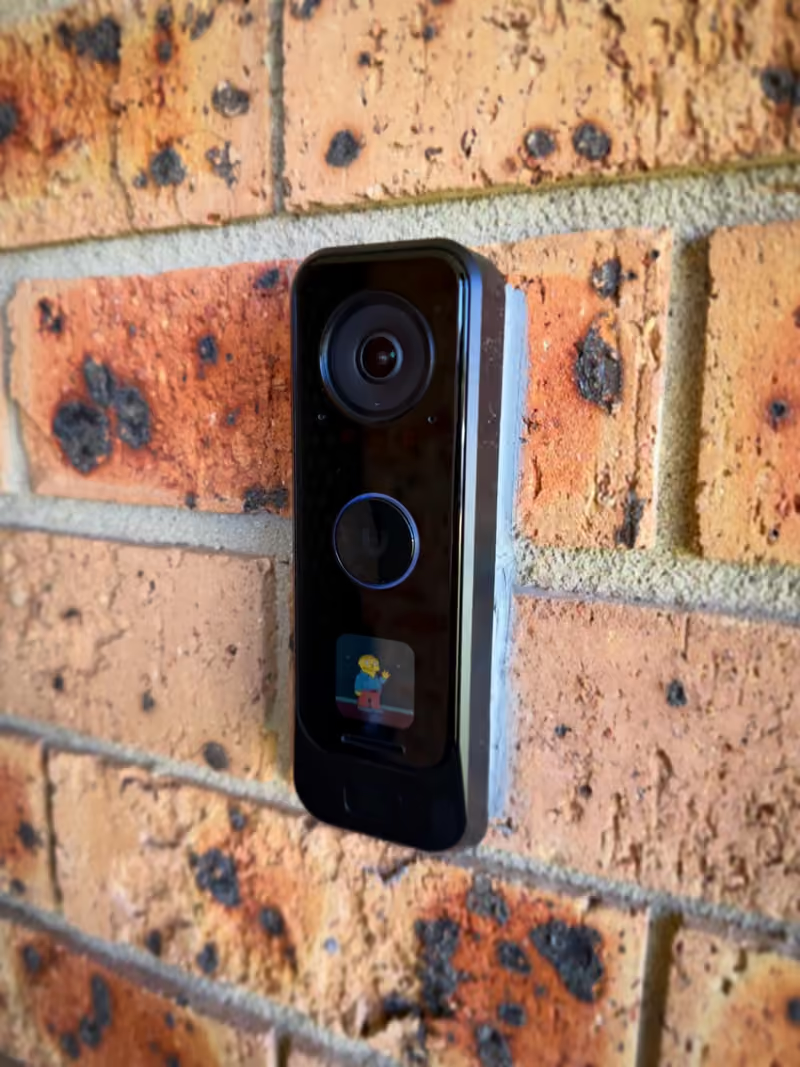
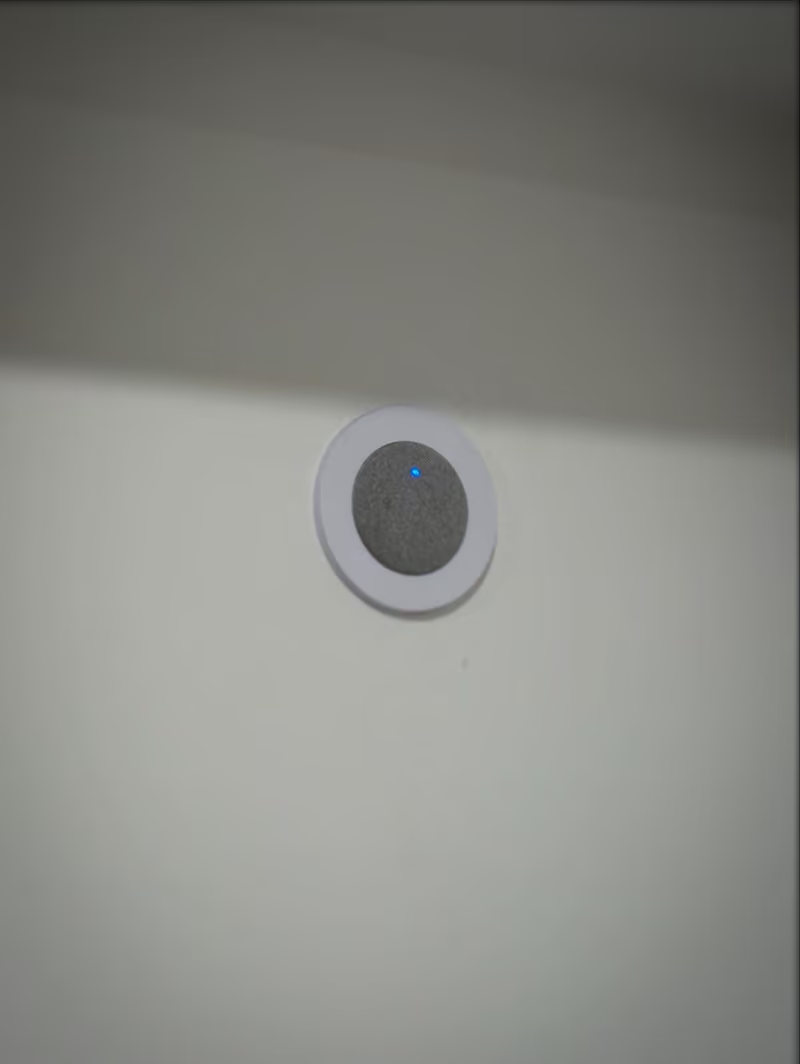
Project notes: PoE video doorbell and matching chime, Claremont Meadows
Video doorbell installation cost
From $149 for installing a video doorbell you supply. Your quote depends on:
- Existing doorbell wiring, chime and power
- A new Ethernet cable for a PoE doorbell
- Intercom stations and any door or gate release
Written, itemised and no-obligation quotes. Any callout fee is confirmed before a visit is booked. Straightforward jobs can be quoted from photos or plans.
- Share the model and entrance photos.
- Confirm mounting, power, connection and any separate work.
- Test the button, chime and supported app functions.
Questions about this service
Does a video doorbell need a subscription?
Subscription requirements vary by model. Some doorbells record to a local recorder or hub, such as PoE models connected to an NVR, so there is no ongoing fee. Others keep clips in the maker's cloud and need a plan to store recording history. Check the storage options before you buy, or send the model and we will confirm how it records.
Can my existing doorbell wiring or chime be reused?
We reuse existing wiring and chimes that are compatible with the doorbell model and its power requirements. Some wired doorbells need a specific power supply or a chime adapter; others ignore the old chime and use a plug-in or PoE chime instead. Photos of the button, wiring and chime, with the doorbell model, let us confirm compatibility.
What if the Wi-Fi signal is weak at the front door?
A Wi-Fi doorbell needs a steady signal at the door, not just inside the house. We test the signal at the entrance and discuss the options: moving or adding an access point, choosing a PoE model that uses an Ethernet cable instead, or running a cable to a nearby point. Brick walls and metal doors often weaken the signal.
Do I need a video doorbell or an intercom?
A video doorbell suits one home with its own front door: it rings your phone and records visitors. An intercom suits a gate, a townhouse complex or a building with several homes, where each one needs an indoor station and a way to release the gate or door. Not sure? Send a photo of the entrance and tell us how many homes share it.
Discuss your installation
Send photos, your suburb and the work required.