Home Network Setup in Sydney
Router, switch, Wi-Fi and network security setup to connect home offices, TVs, cameras and storage. Based in Claremont Meadows in Western Sydney, we work across Penrith, Blacktown, Parramatta and the Hills District.
NSW Master Security Licence MA 000110911 · Insured · 24-month workmanship warranty · No-obligation written quotes
What we install
Home network setup joins your NBN connection, router, switches, Wi-Fi and wired devices into a network you can understand and maintain. From our Western Sydney base, we set up home offices, TVs, gaming, network storage and cameras, reusing suitable equipment where it makes sense. Gigabit Ethernet (1000BASE-T, IEEE 802.3ab) runs over CAT5e or better for up to 100 m, so a wired point is often the simplest fix for a desk or TV that drops out on Wi-Fi. We can also secure the network: separate guest Wi-Fi, VLANs that keep cameras and smart devices away from work computers, and firewall rules on supported routers. Settings are documented at handover and explained in plain language.
- Router and switch setup using suitable new or existing equipment
- Wired connections for home offices, TVs and network storage
- Wi-Fi names, passwords and guest access configured
- VLANs and firewall rules for cameras, smart devices and work computers
- Network layout and everyday settings explained at handover
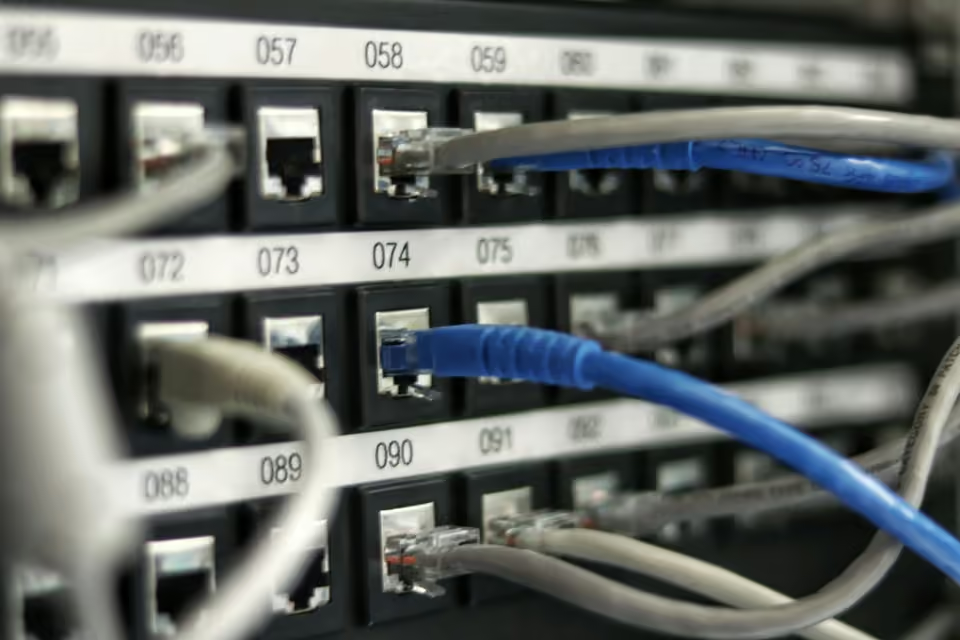
Connect the home office, TVs and shared storage
Begin with the devices that need a stable connection, such as a work computer, television or network storage. Existing Ethernet outlets may be useful, but their connections and the equipment at the other end need to be identified.
Send router and switch model numbers, a simple floor plan and the internet provider connection details. We can assess what to reuse and where more cabling or Wi-Fi coverage is needed. If a service depends on provider settings or supplied equipment, those requirements need to be available before configuration.
The handover covers the agreed network layout and everyday access. Tell us about printers, storage or other shared devices that must remain reachable.
| Option | When it helps | What we check |
|---|---|---|
| Ethernet | Fixed desks, televisions and storage | Working data point and spare switch ports |
| Wi-Fi | Phones, tablets and moving devices | Coverage, placement and device compatibility |
| Separate guest access | Visitors using the internet | Router and access-point support for isolation |
Recent work
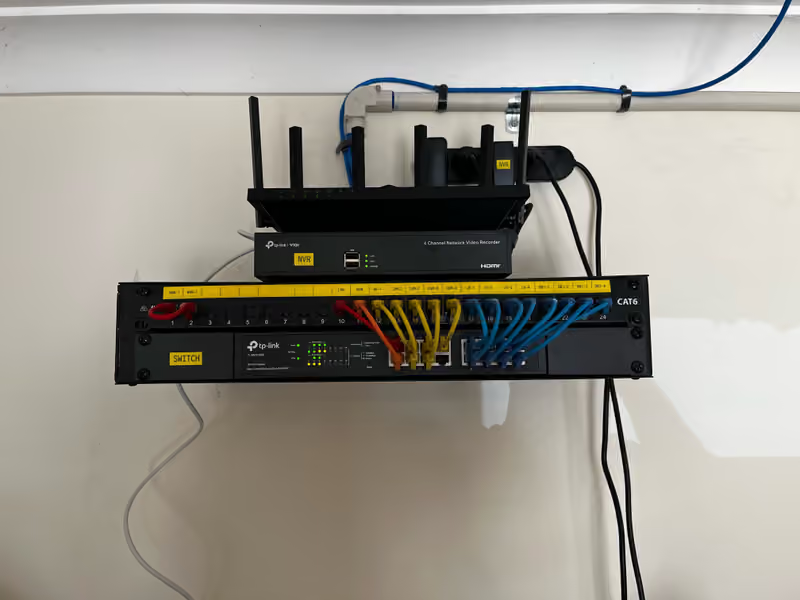
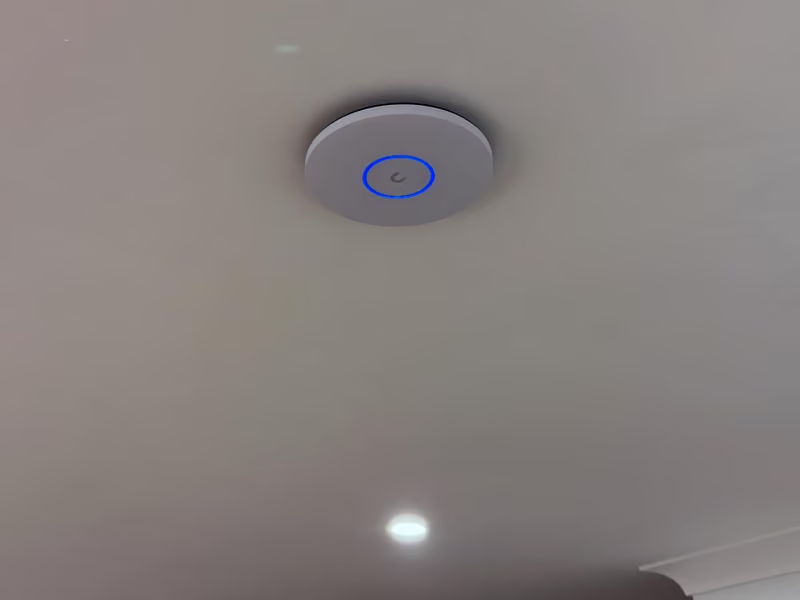
How quoting works
Written, itemised and no-obligation quotes. Any callout fee is confirmed before a visit is booked. Straightforward jobs can be quoted from photos or plans.
- List devices and existing outlets.
- Agree equipment reuse, cabling and wireless coverage.
- Check the agreed connections and record the layout.
Questions about this service
Does network setup include an internet connection from a provider?
No. Our work covers the local network inside your property. Arrange the internet service with your provider, then send us the modem or NBN connection type and your provider's router details. We scope the router, switches, cabling and Wi-Fi that connect your devices. If a fault sits in the incoming connection, we explain what to raise with your provider.
Can you reuse my router and switches?
Yes. Send the model numbers and describe the problems you are having. We review ports, speeds, Wi-Fi standard, firmware support and configuration before recommending which equipment to keep. A provider-supplied router can sometimes stay as the modem while better equipment handles Wi-Fi. If a device no longer receives security updates or cannot handle your connection speed, we explain why replacing it is worthwhile before you commit.
Can cameras and guests use separate networks?
Yes, with suitable router, switch and access-point support. VLANs split the network into groups, such as family devices, guests, cameras and smart home devices, and firewall rules control which groups can talk to each other. That keeps a compromised smart plug or a visitor's phone away from your computers and recorder. We check your equipment first, then document the agreed layout at handover so it can be maintained.
Why does my internet keep dropping out at home?
Drop-outs can come from the NBN connection, the modem or router, or the Wi-Fi. We check the router logs and compare a wired connection with Wi-Fi to find where the problem sits. If the fault is in the incoming service, we explain what to raise with your provider. If it is inside the home, we fix the router settings, access-point placement or cabling behind it.
Discuss your installation
Send photos, your suburb and the work required.