Wi-Fi & Access Point Installation in Sydney
Home WiFi installation and business access points for better coverage and separate guest access. Based in Claremont Meadows in Western Sydney, we work across Penrith, Blacktown, Parramatta and the Hills District.
From $399 · NSW Master Security Licence MA 000110911 · Insured · 24-month workmanship warranty · No-obligation written quotes
What we install
Wi-Fi dead zones, drop-outs or an NBN router that does not reach the back room? Our WiFi installation service assesses coverage and places access points or mesh units around your layout. We configure roaming for compatible devices, with guest networks and outdoor options where needed. Newer access points also add capacity. Wi-Fi 6E and Wi-Fi 7 models can use the 6 GHz band, and in Australia the lower 6 GHz band (5925–6425 MHz) is open to Wi-Fi, which gives compatible phones and laptops extra, less crowded channels. Older devices keep using 2.4 and 5 GHz, so we plan coverage for the devices you actually own. Where cabling is practical, wired access points give the most consistent result.
- Wi-Fi site survey of weak rooms, walls and outdoor areas
- Wi-Fi 6, 6E and 7 access points, selected for your devices
- Roaming settings across multiple access points
- Guest networks with isolation
- Outdoor and weatherproof access points
- PoE access points powered through Ethernet with a suitable switch or injector
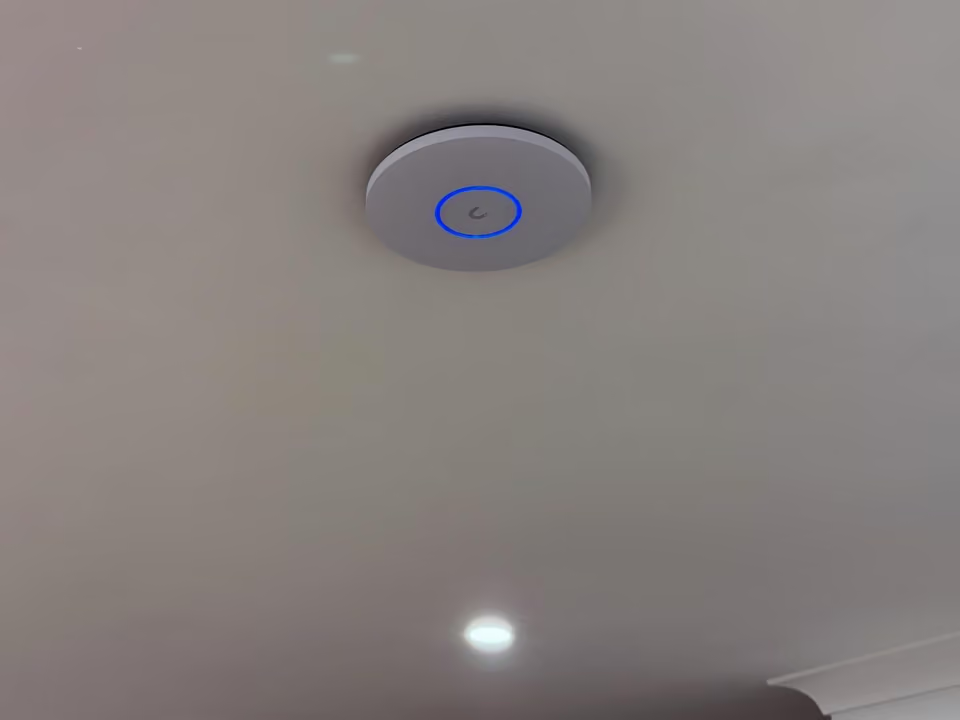
Find the cause of dead zones and drop-outs
Patchy Wi-Fi can come from the layout, wall materials, access-point placement or the devices using the network. Start by listing where drop-outs happen and what you are doing at the time: a video call, streaming or using a doorbell at the entrance. Tell us whether the same problem affects a device connected by Ethernet. This helps separate a wireless coverage problem from the incoming internet connection.
Moving or adding access points can improve coverage where the NBN router does not reach. The useful position depends on the property, not simply the nearest power outlet.
| Option | When it helps | What we check |
|---|---|---|
| Wired access points | Coverage positions with practical Ethernet access | Cable route, mounting and power through a suitable switch or injector |
| Mesh units | A layout where units can maintain a useful backhaul link | Placement between the router and the weak area |
| Extender | A limited coverage gap with compatible equipment | Signal at the extender and the performance trade-off |
Recent work
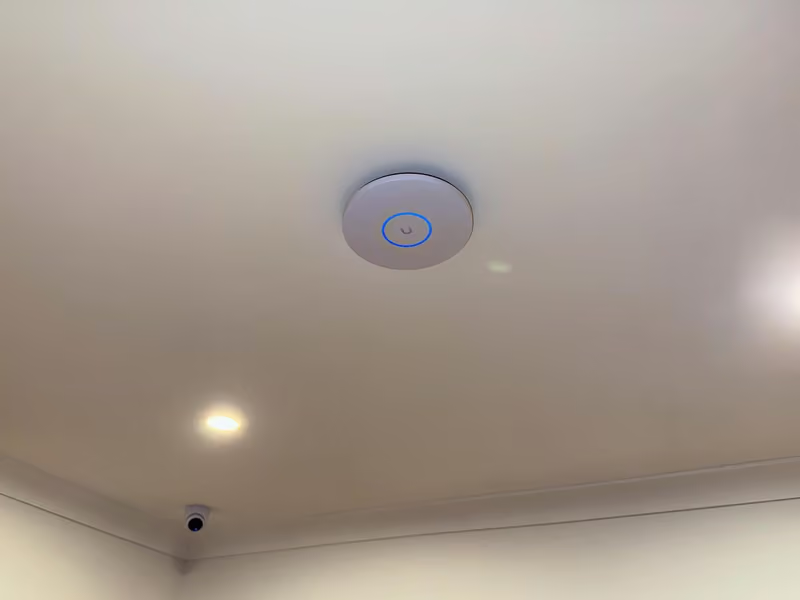
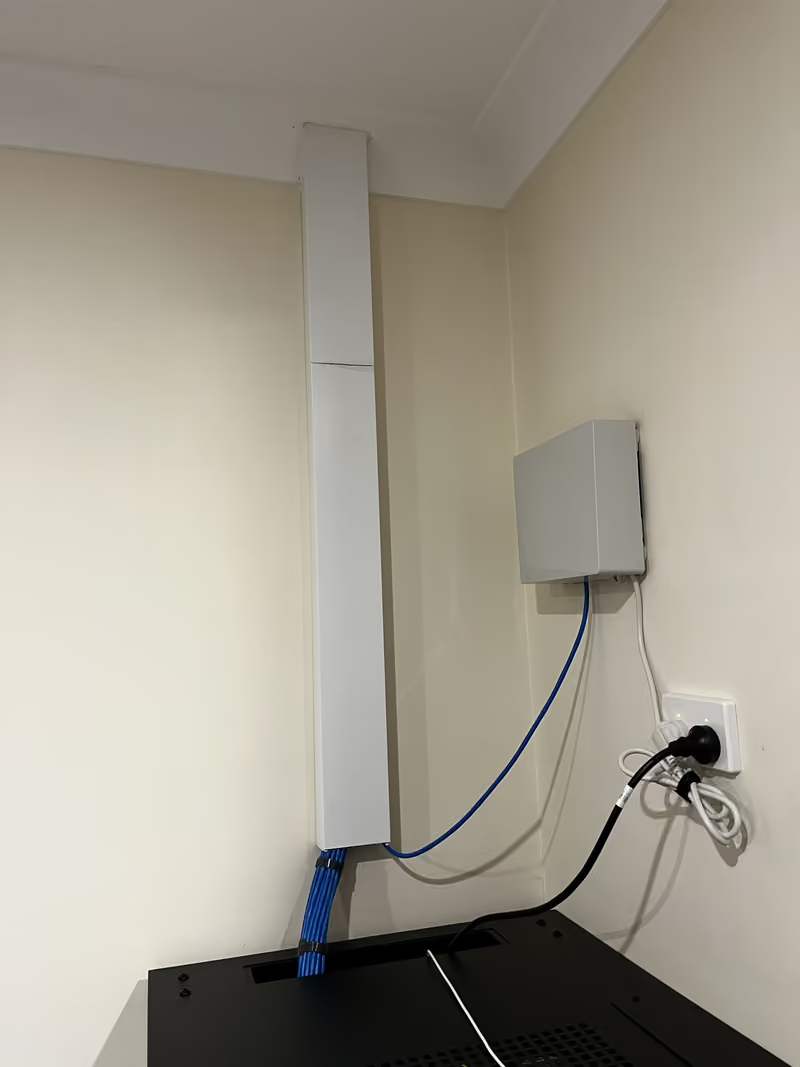
Wi-Fi installation cost
From $399 for a ceiling-mounted access point, supplied, cabled and set up. Your quote depends on:
- The number of access points the layout needs
- The cable route to each position
- Your existing router and switch, including PoE power
Written, itemised and no-obligation quotes. Any callout fee is confirmed before a visit is booked. Straightforward jobs can be quoted from photos or plans.
- List problem rooms and current router details.
- Review coverage and the incoming connection separately.
- Check the agreed areas and explain guest and everyday access.
Questions about this service
Do I need mesh Wi-Fi, an extender or wired access points?
The layout, wall materials and available cabling guide the choice. Wired access points give the most consistent result because each unit has its own cable back to the network. Mesh suits homes where cabling is impractical. An extender is a limited fix for one small gap. We check where the signal drops and whether Ethernet can reach useful positions, then recommend a practical setup.
Can you set up separate guest Wi-Fi?
Yes, with compatible equipment. A guest network gives visitors internet access without reaching your work computers, cameras, printers or storage. We can add a simple password, a time limit, or a separate network for smart devices, depending on what the router and access points support. For businesses, we can also keep staff and customer Wi-Fi apart. Settings and passwords are recorded at handover so you can change them later.
Why is my Wi-Fi slow in some rooms?
Common causes are distance and walls between the router and the room, interference from neighbouring networks, an old router, or devices that only support older Wi-Fi standards. We test a wired connection as well as wireless to tell these apart, then recommend a fix: moving the router, adding an access point or running a cable to a better position.
Can you extend Wi-Fi to a deck, pool area or shed?
Yes, with an outdoor-rated access point or a wired link to the outbuilding. An outdoor access point needs a mounting position with power, usually PoE over an Ethernet cable, and some shelter from direct weather. For a shed or granny flat, a cable in conduit or a point-to-point wireless link carries the connection. We check distance and cable access before recommending either.
Discuss your installation
Send photos, your suburb and the work required.