Call NowRequest a quote
0452 519 993 info@ozinetworks.com.au

Badminton centre UniFi, Kings Park

This Kings Park badminton centre moved from Hikvision to Ubiquiti UniFi for Protect's AI cameras, UniFi access control and an API for custom integrations.

The work

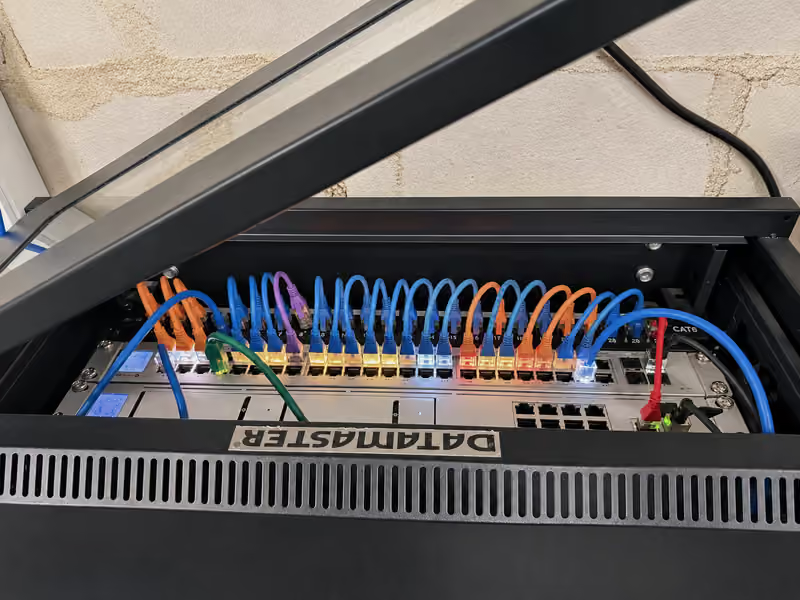
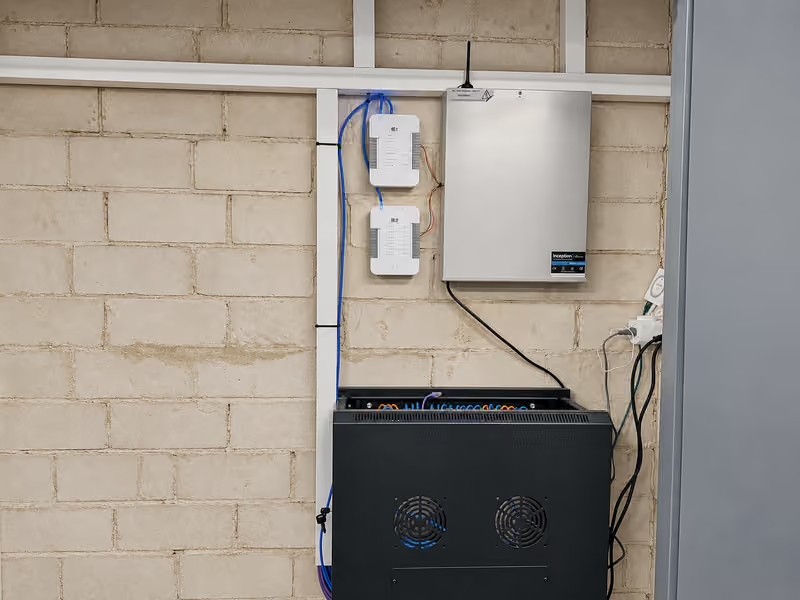
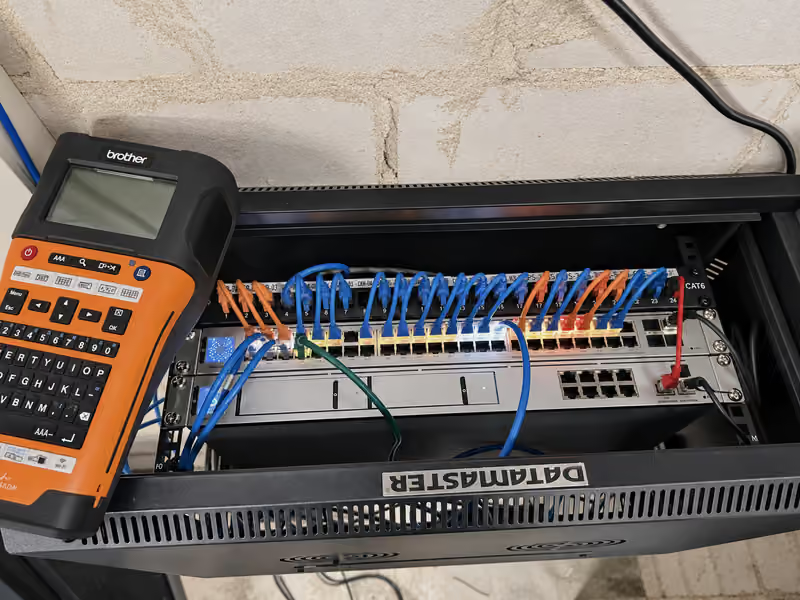
A UniFi Dream Machine Pro Max and a USW Pro Max 48 PoE switch sit in the wall cabinet, with a 24-port patch panel and tidy cable management. We set up five VLANs for management, security cameras, staff, guests and PlaySight, with firewall rules that keep guest Wi-Fi apart from the business network.

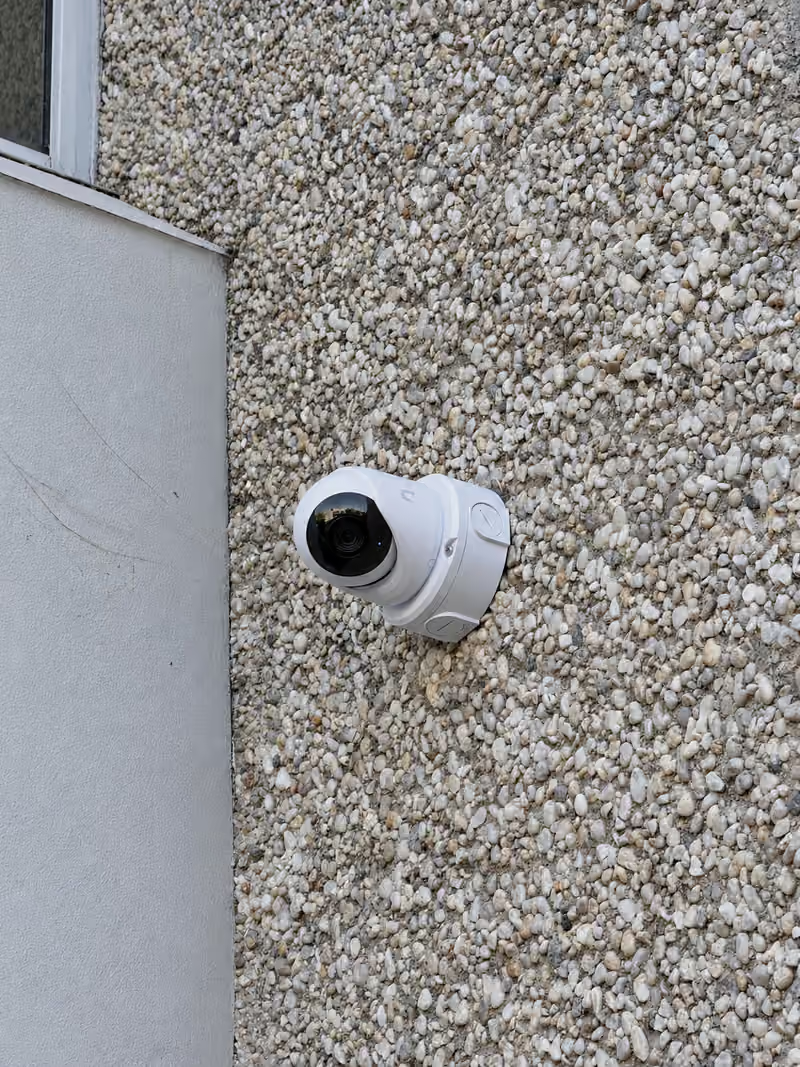
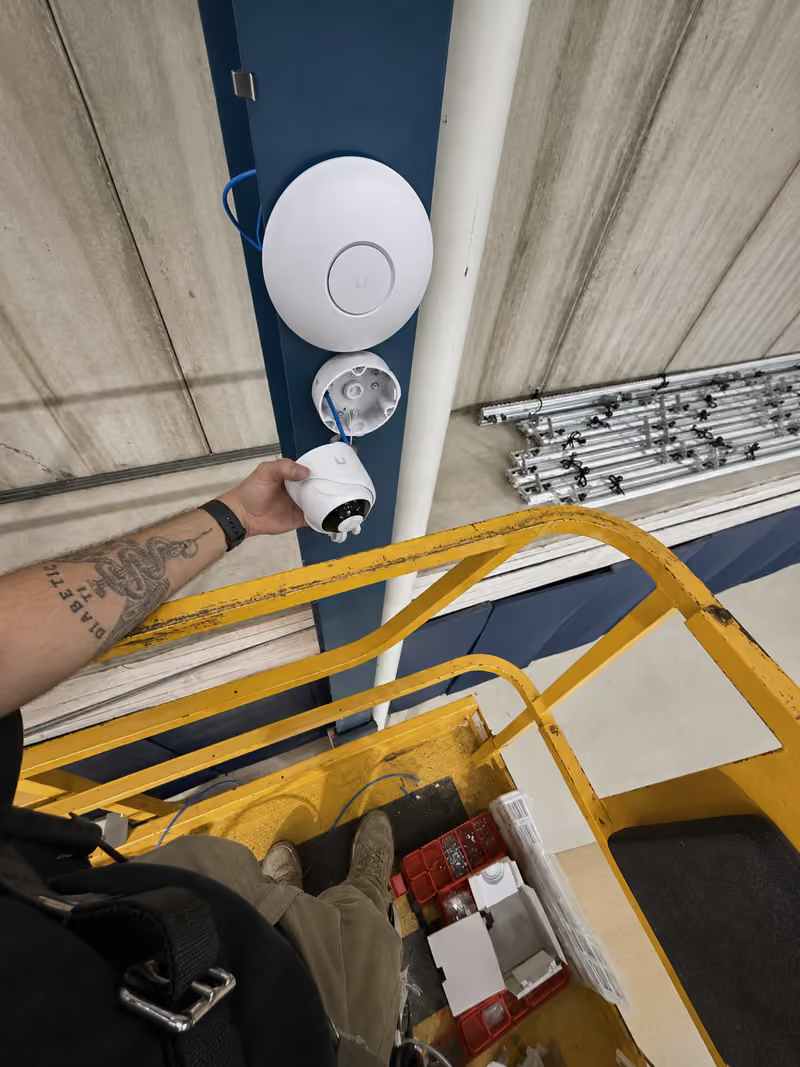
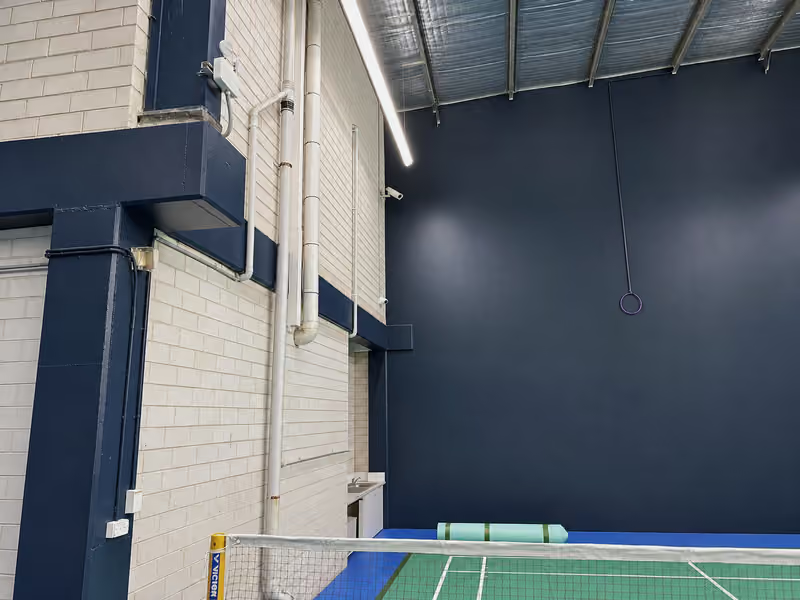
Three U7 Pro access points give Wi-Fi over the courts and the office, and ten G6 Turret cameras on UniFi Protect cover the courts, the office and the outside walls.

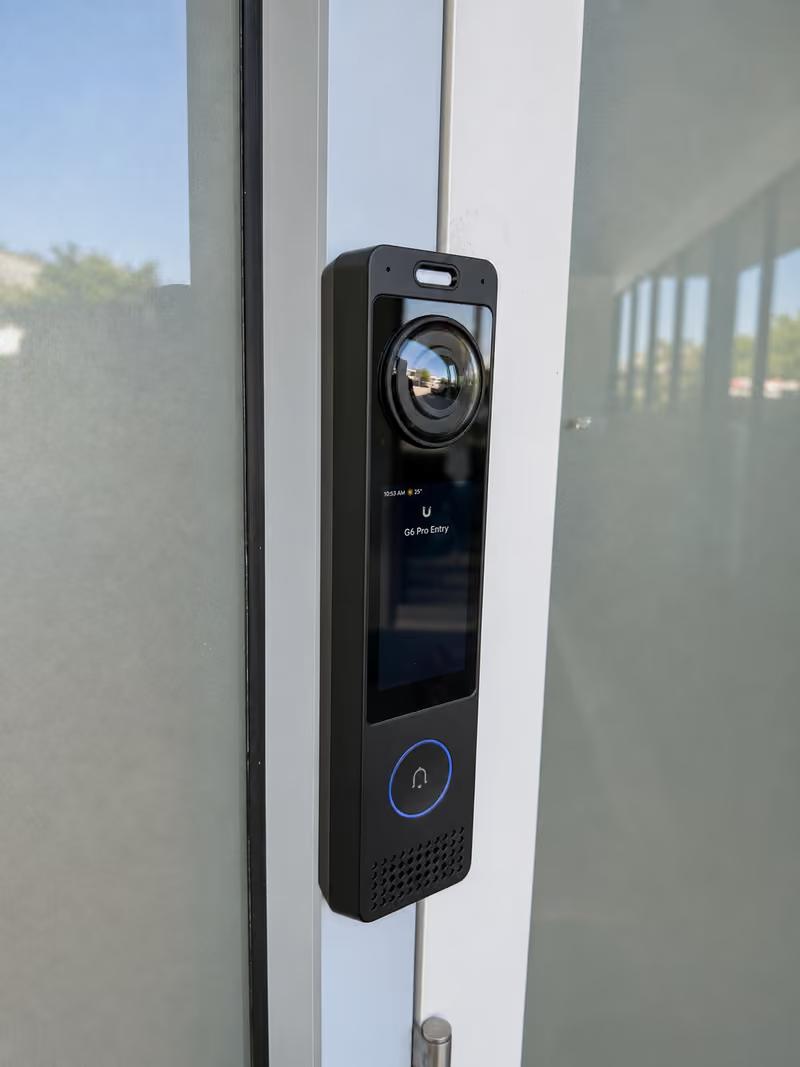
For UniFi access control, two door hubs drive the electric strikes, and a G6 Pro Entry video intercom sits at the main door. We also installed two data points for the point of sale.

For PlaySight, we mounted seven cameras about 5 m up over the courts and installed the TagMe buttons and the PlaySight server, all on their own VLAN. PlaySight's team then sets up the software. Players scan the court's QR code to log in to the PlaySight app, then press a TagMe button to save a clip of the last rally to their account.

The result

The centre now runs its network, security cameras and door entry on one UniFi system, and players can keep clips of their games through PlaySight. Every cable run passed a continuity test before handover.

Services used: UniFi Installation, Access Control Installation, Commercial CCTV Installation, Wi-Fi Installation, Intercom Installation. More work around Blacktown.

Photos from this job
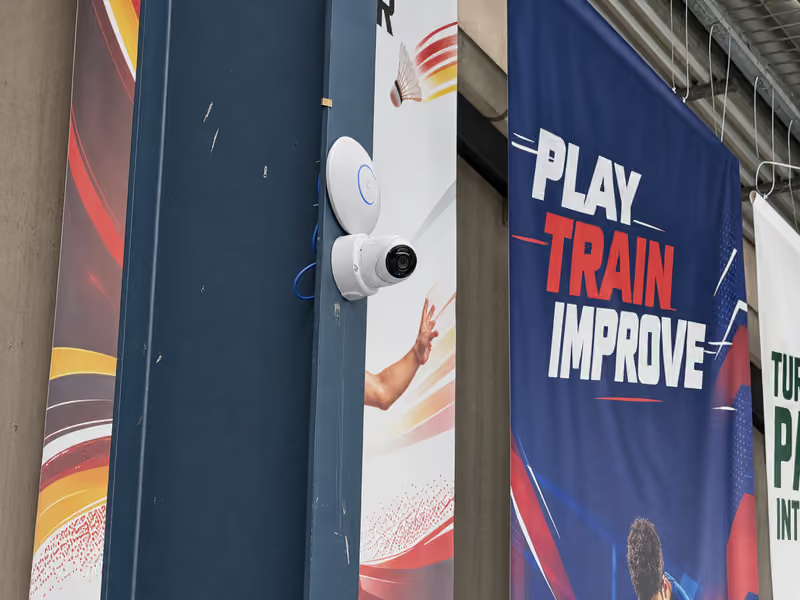
UniFi U7 Pro access point and G6 Turret camera on a column over the badminton courts.
UniFi G6 Pro Entry intercom on the main glass door frame.
Patch leads from the panel to the UniFi switch in the wall cabinet.
UniFi G6 Turret camera on an outside pebble wall.
Two UniFi Access door hubs on the wall above the wall cabinet.
Labelling the patch leads in the wall cabinet.
Fitting a G6 Turret camera below a U7 Pro access point from a scissor lift.
One of the badminton courts at the centre.
A Touch Pass on an Apple Watch opens the main door at a UniFi G6 Pro Entry.

See all projects

Planning something similar?

Send photos and a short description. We reply with a no-obligation written quote.

Installation notes
  1. Availability, scheduling, and turnaround times may vary depending on workload, job complexity, access requirements, weather conditions, and product availability.
  2. Product and brand availability is subject to supplier stock levels. Where a preferred item is unavailable, a suitable alternative may be recommended or installation may be scheduled once stock becomes available.
  3. Written quotes are provided with no obligation. A callout fee may apply for on-site assessments depending on location and scope, and we'll confirm any fee before booking a visit. Deposits may be required for bookings, equipment purchases, or custom ordered items.
  4. Post-install support includes basic troubleshooting. Additional on-site visits, advanced diagnostics, equipment replacement, or changes outside the original scope of work may incur additional charges.
  5. Installation pricing may vary depending on site conditions, cable run distances, roof or wall access, existing infrastructure, and any additional work requested during installation.
  6. Some installations may require suitable roof, wall, ceiling, crawl space, trenching, or ladder access. If safe access is not available, additional equipment or alternative installation methods may be required.
  7. Existing customer equipment, cabling, or networking infrastructure may affect compatibility, performance, or installation time. We will advise of any limitations before proceeding.
  8. Our supplier backs the 3-year Ubiquiti warranty. It covers only non-Enterprise Ubiquiti equipment we supply and install. Other equipment has the manufacturer's standard warranty, and our installation work has the 24-month workmanship warranty. Damage caused by misuse, third-party modifications, environmental conditions, power issues, etc., is not covered.