Gym Access Control in Sydney
Member door access, cameras and Wi-Fi for gyms, 24/7 fitness centres and sports courts, on UniFi Access and Protect. Based in Claremont Meadows in Western Sydney, we work across Penrith, Blacktown, Parramatta and the Hills District.
From $1,295 · NSW Master Security Licence MA 000110911 · Insured · 24-month workmanship warranty · No-obligation written quotes
What we install
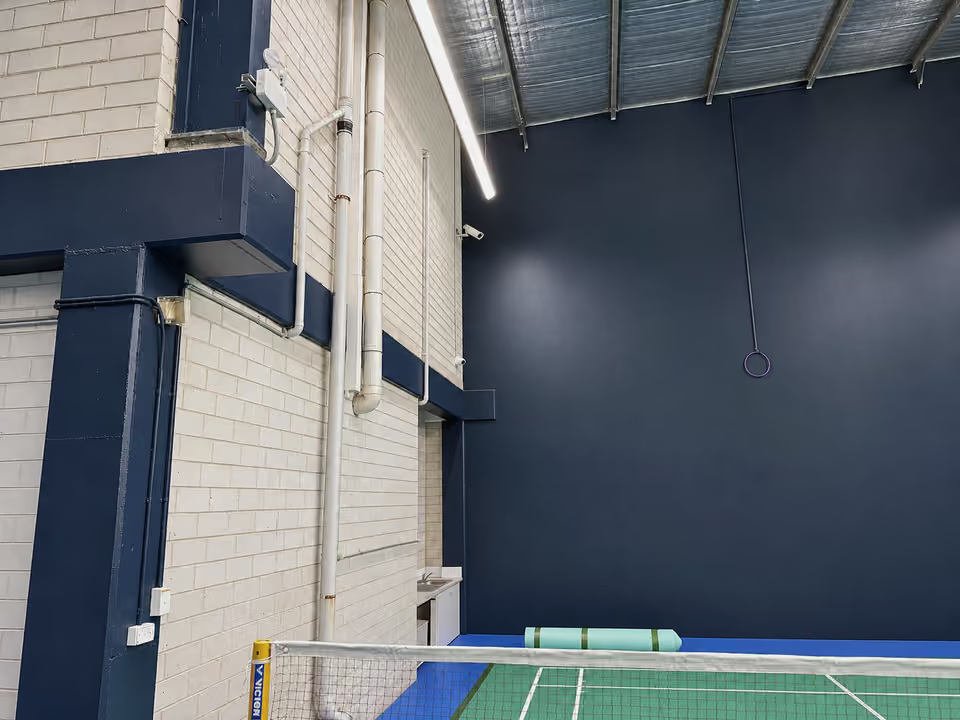
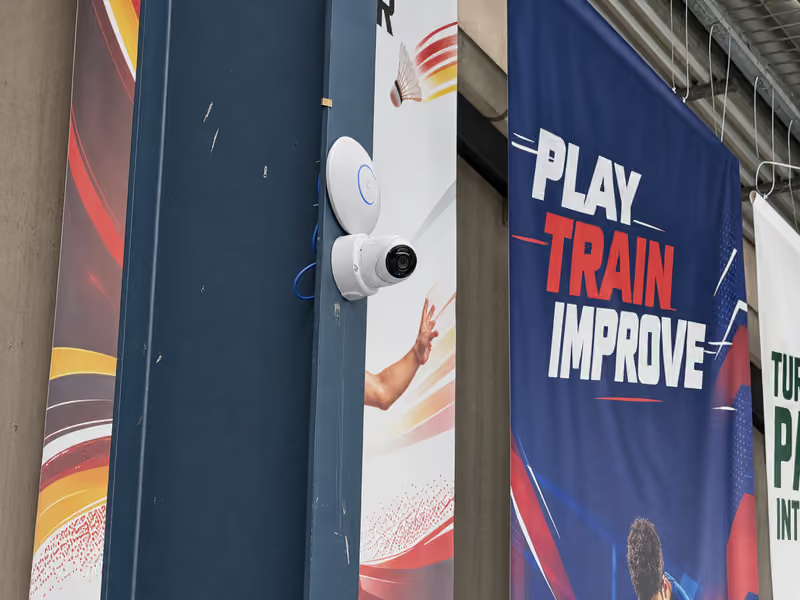
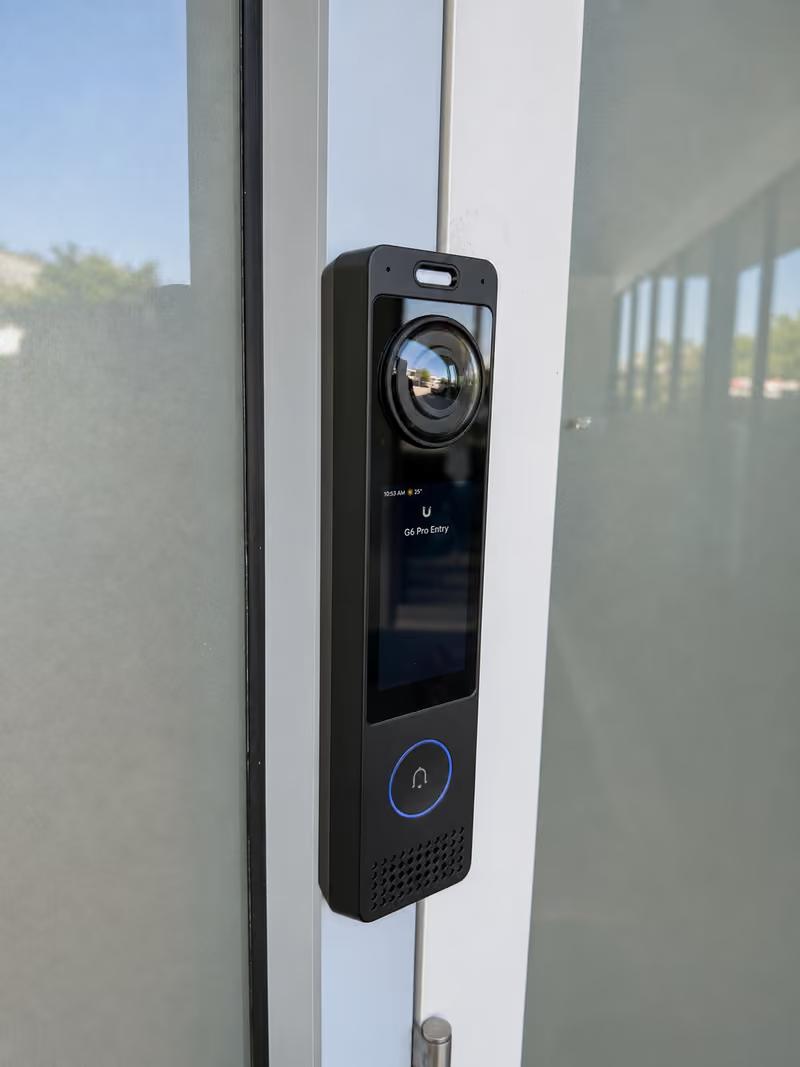
Gyms and sports centres often let members in with no staff at the door. We install member access with cards, fobs, PINs or phone wallet passes, cameras over the gym floor, courts and entries, and Wi-Fi that keeps members off the business network. At a badminton centre in Kings Park we moved the site from Hikvision to UniFi, with two access-controlled doors, a video intercom at the main door and ten cameras over the courts, the office and the outside walls.
- Member entry by card, fob, PIN or phone wallet pass
- Access schedules for members, staff and coaches
- Cameras over the floor, courts, entries and car park
- Guest Wi-Fi kept apart from the business network
- Links to membership software that supports the UniFi Access API
Plan member entry before choosing readers
Decide how members get in: card, fob, PIN, phone or a wallet pass. Then list who enters at which hours: members, staff, coaches and cleaners. The door's lock and frame decide much of the hardware, so send photos of both sides.
Courts and gym floors need cameras mounted high with a wide view, and the entry needs a camera at face height.
| Option | When it helps | What we check |
|---|---|---|
| Key card or fob | Simple entry for every member | Issuing and cancelling cards and fobs |
| Phone or wallet pass | No card to lose or forget | Which phones members use |
| PIN keypad | Casual visitors and short bookings | PIN sharing and schedules |
Recent work
Gym access control cost
From $1,295 for one door with a reader, hub and lock, supplied and installed. No GST is added to our prices. Quotes depend on:
- The number of doors and gates
- Door, frame and lock type
- Cable routes and power at each door
Written, itemised, no-obligation quotes. Any callout fee is confirmed before booking. Simple jobs can be quoted from photos.
- Send door photos and your opening hours.
- Agree member types, schedules and camera views.
- Set up users and test each door with your staff.
Useful for your quote
- The doors members, staff and deliveries use
- Opening hours, and any hours without staff
- Your membership or booking software
- The areas cameras must cover, including the car park
Questions about this service
Can members open the door with their phone?
Yes. UniFi Access supports phone unlock and wallet passes, as well as cards, fobs and PINs. Each member type can have its own schedule, for example off-peak only.
Can access control link to our membership software?
UniFi Access has an API for custom integrations, one reason the Kings Park badminton centre moved to UniFi. Whether your membership or booking software can connect depends on that software, so check with its provider.
Can a 24/7 gym run without staff at the door?
Yes, many do. Members enter with their own fob, card or phone, cameras record the floor and the entries, and a video intercom at the door lets staff answer a visitor from their phone.
Can you mount cameras over courts and gym floors?
Yes. At the badminton centre we fitted cameras high over the courts from a scissor lift. High mounts and wide floors need the right lens and position, which we confirm before quoting.
Discuss your installation
Send photos, your suburb and the work required.